DAM search & AI
The right asset.
Easier to find.
Find media in AdmiralCloud using known details, a description or a reference image. Recognized text and spoken content give you more ways to search your DAM.
The situations and search terms below are editorial examples, not actual search results or product screenshots.
Criteria & filters
Put known details to work.
Know when a file was created or which tags it carries? Combine search criteria and use filters to narrow down your selection.
Metadata provides context that an image alone cannot reveal, such as the occasion or project it belongs to. Well-maintained details make targeted searches easier.
More about metadataEditorial example
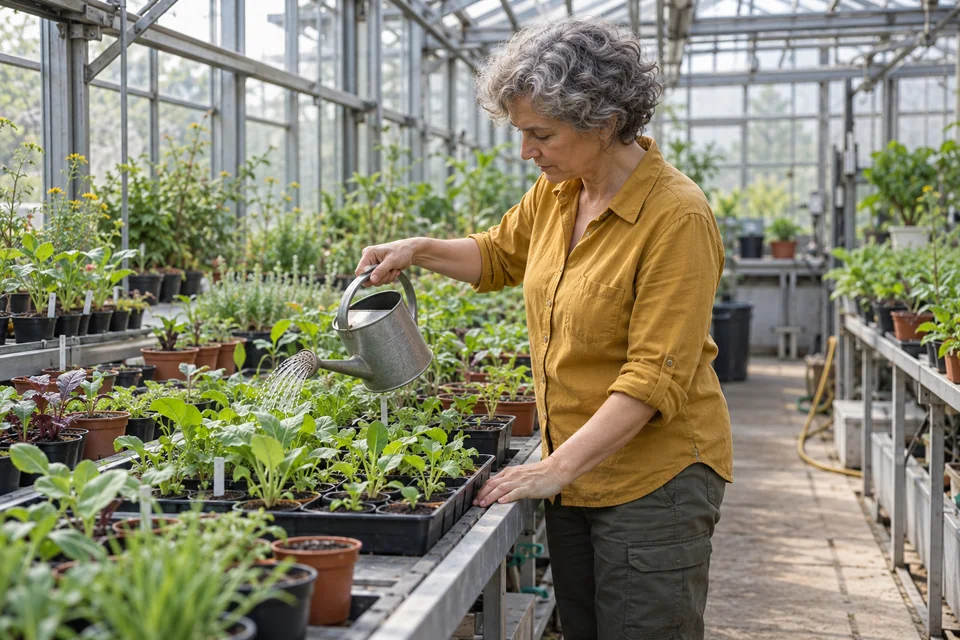
Find photos from the research greenhouse
- Known details
- The tag “Greenhouse” and photos from June 2026
- Approach
- Search for the assigned tag, then narrow down the selection by date.

Natural language
Search in your own words.
Have a scene in mind, but not the filename or keywords? Describe what you are looking for. Smart Search finds relevant image content even without matching tags or metadata already in place.
Add useful details to your description. Metadata and filters can refine the search further.
The description captures the scene without needing a filename or a person’s name.
People working with plants in a greenhouse
Examining plants
Tending trialsVisual similarity
Start with an image, not a keyword.
Use an image as a starting point to find visually similar content in your own media library. This helps when the look you need is easier to show than to describe.
Editorial example
Another image for the same topic
A greenhouse photo serves as a reference for finding visually similar images. Similarity does not mean it is the same photograph, plant or person.
Reference image

Similar images
Text & speech
Search beyond the filename.
The term you remember may appear or be spoken within the media itself. Text recognition and speech-to-text make that content available as an additional basis for search.
Editorial example
One term, different media
“Photosynthesis” appears in a research document or is mentioned in an interview. Once that content has been recognized and made searchable, the term can be used to find it.
Search termPhotosynthesis
Document
Light & plants
How does light affect photosynthesis in our trial plants?
Interview
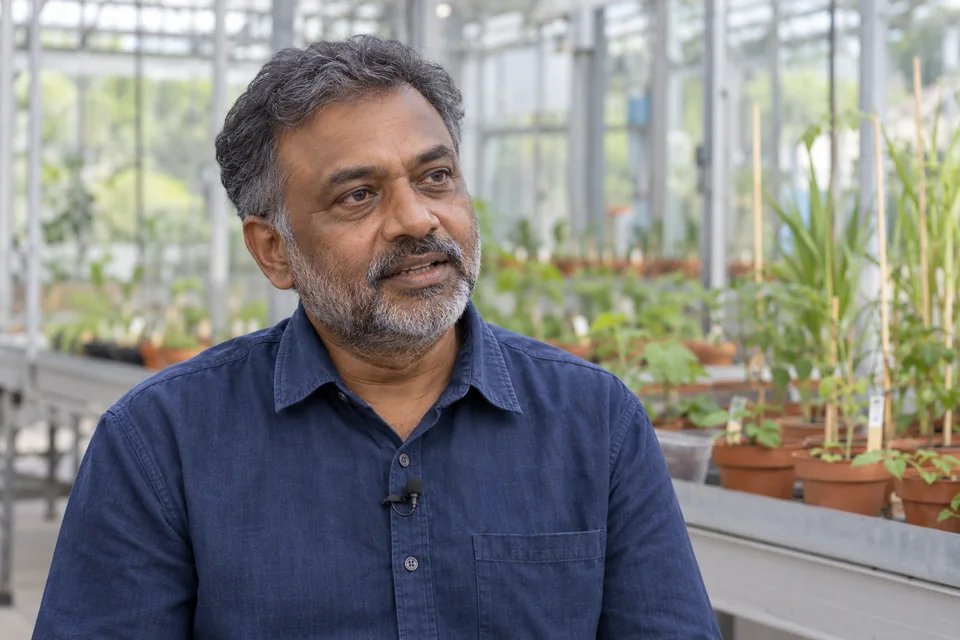
“We study photosynthesis under different light conditions.”
Writing in images and documents
OCR recognizes writing in images and documents and converts it into searchable text. Search recognized content, not just titles and descriptions.
More about text recognitionSpeech in video and audio
Speech-to-text turns spoken content into text. This lets you find video and audio through words used in the recording.
Speech recognition in the feature overviewMore clues. Considered use.
Recognition adds context
Object recognition and Smart Tags add descriptive information to your media. Optional facial recognition supports searching for specific people; usage and personality rights need separate consideration.
Explore AI preparationActivate AI deliberately
The AI suite is optional and disabled by default. We can discuss which capabilities fit your use case.
Within your protected environment
During AI processing, your data stays within your company’s protected data area.
Check the content and intended use of the media you find. A search result alone does not establish its suitability or permission to use it.
Which media would you like to find more easily?
Discuss your typical search tasks in a live demo, from known details and described scenes to reference images and content within documents or recordings.